Every plan includes a 24 hour free trial, and new customers get a free month on their first payment24 hour free trial, then pay 1 month and play 2

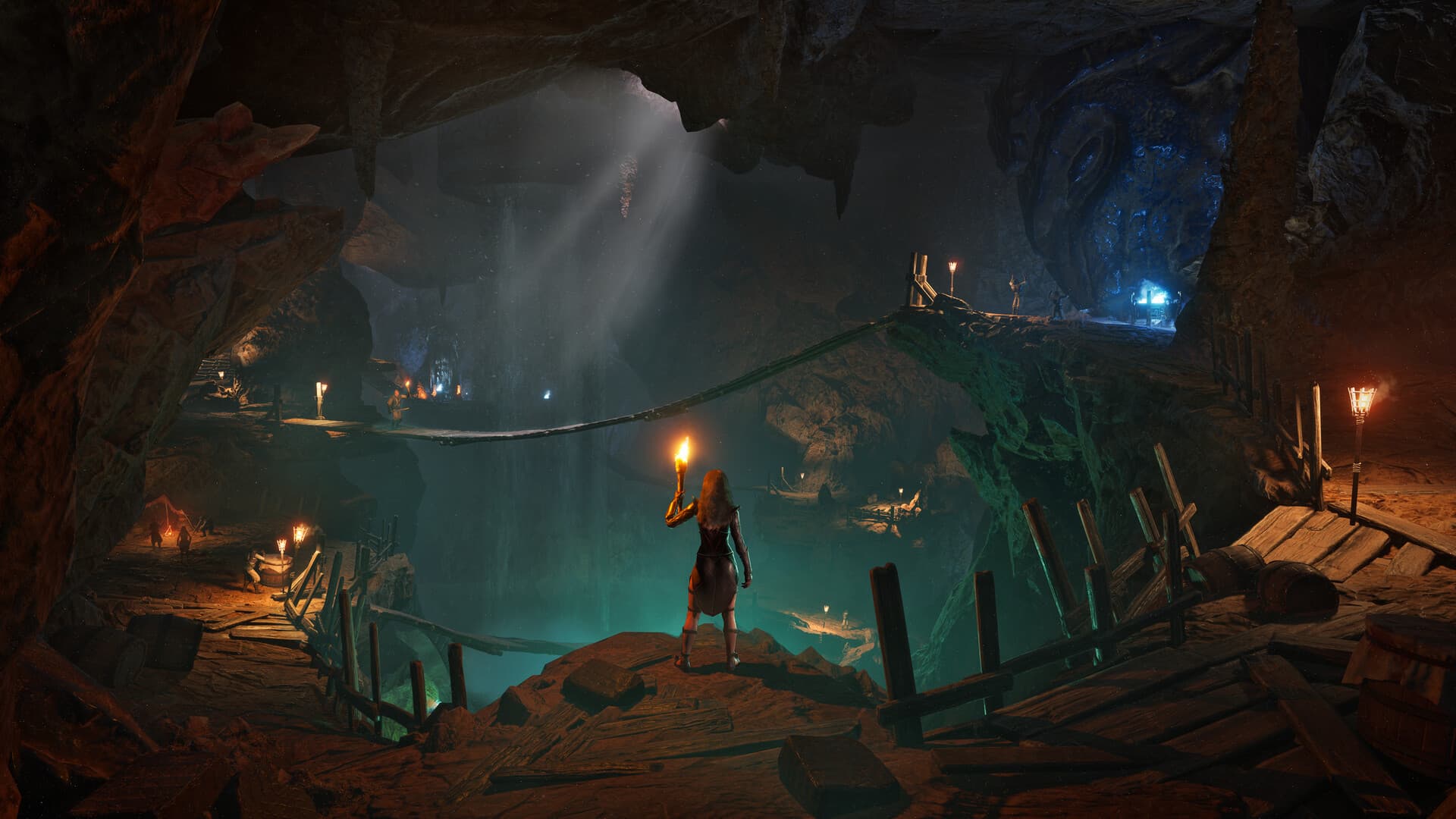
Palworld game artwork
All gamesConfigure and order

Palworld server hosting and dedicated server Your next Palworld adventure.

A bigger world. A wilder crew.

24 hour free trial with a card saved in your account, charged only when the trial ends unless you cancel. New here? Pay now by card at checkout, or create an account first.

New customers: 20% off the first payment with LAUNCH20 until 31 December 2026, applied automatically, and pay 1 month, play 2. Offer terms

View on SteamGame purchase is separate from server hosting.
Find your next adventure

Every adventure starts with your people.

Explore with your friends and discover Pals to join the adventure. Build a base, craft your next upgrade, and take on a world full of surprises.

  • Pal collecting
  • Shared base building
  • Cooperative exploration

Server setups

Choose a setup to explore its configuration.

Palworld server hosting

About Palworld server hosting

Palworld, developed by Pocketpair, mixes open-world survival with creature collecting: you capture Pals, then put them to work at your bases, ride them across the Palpagos Islands and bring them into battle. On a dedicated server your group's Pals, bases and progress live in one shared world that anyone can return to, and world settings such as experience and capture rates are yours to adjust. ClanNode offers a Vanilla setup, and Palworld supports up to 32 players on one server.

Palworld server plans

PlanPlayersMemoryCPUNVMe storagePer monthOrder
PartyUp to 10 players8 GiB300%10 GiB€15.99Configure this plan
ClanUp to 20 players12 GiB400%20 GiB€22.99Configure this plan
GuildUp to 32 players16 GiB500%40 GiB€30.99Configure this plan

Every plan includes unlimited bandwidth, NVMe storage and 24/7 malware detection and protection.

Prices are per month and billed in EUR. Quarterly billing saves 10% and annual billing saves 20%. Need something in between? Build an Anvil plan with your own memory, CPU and storage.

Configure and order

Secure payment by card or Bitcoin

24 hour free trial with a card saved in your account, charged only when the trial ends unless you cancel. New here? Pay now by card at checkout, or create an account first.

Running your own Palworld server

Who can join your Palworld server

Pocketpair's server guide says dedicated servers are cross-play enabled by default for the Steam version, the Xbox Series and Microsoft Store PC version, the macOS version and the PS5 version. On ClanNode, you choose at checkout which platforms may connect: Steam, Xbox and Microsoft Store, PS5, Mac, or all platforms at once. The choice is written to the server's CrossplayPlatforms setting, the one Pocketpair's configuration guide documents, and you can change it later in the Startup tab of your game panel. Steam players join with the IP address and port shown in your game panel, typed into the form below the in-game server list. The guide adds that Xbox and PS5 players can only join a community server, a dedicated server registered in the in-game server list; ClanNode servers start with that registration switched on, so they appear under Community server with the optional description you add at checkout. ClanNode has verified the server side of this setup, not a console joining it. The Steam store page lists Windows in its system requirements and says a dedicated server lets up to 32 players play together, against four in online co-op.

What you set at checkout for Palworld

At checkout you name the server, choose the player platform and pick the number of player slots, from 2 to 32, which becomes the server's player limit. A join password is optional. Pocketpair's guide describes it as the password required to log in to the server, so set one if the world is only for your group: type it on the page to deploy with it, or leave it empty and set it at checkout. It is never part of a shared configuration link. The admin password is required by the game and is always set at checkout. It is what you type in-game, after pressing Enter, as /AdminPassword followed by the password, to get administrative privileges and use commands such as /Broadcast, /KickPlayer, /Save and /Shutdown. Both passwords accept letters, digits, underscores and hyphens only. World settings such as the experience rate, capture rate, day and night speed, death penalty and PvP are not checkout fields: they live in PalWorldSettings.ini, which you can edit in the files section of the game panel.

Saves, updates and the right Palworld plan

Your world is saved on the server, and the /Save command writes the world data on demand. ClanNode backs the server up automatically once a day, and you can create and download your own backup in the game panel before a big patch. The setup updates the server automatically when Pocketpair releases a new build, so your players only update the game on their own platform. For memory, Pocketpair's requirements page recommends 16 GB and notes that 8 GB boots but raises the risk of crashes from running out of memory, and that slow storage may corrupt saved data. The plan table on this page shows how many players Party, Clan and Guild are sized for. Persistent bases increase memory demand, so size for the bases your group builds, not just the head count. Anvil lets you choose memory, CPU and storage yourself. Servers run in Poland on AMD Ryzen 9 9950X or in France, near Paris, on AMD Ryzen 9 7950X, both with NVMe storage and DDoS protection. Invite co-admins as subusers in the game panel.

Before you order

Palworld hosting questions

How much does a Palworld server cost?

Plans start at €15.99 a month for Party with 8 GiB RAM, sized for up to 10 players. Clan and Guild add memory, CPU and storage, and Anvil lets you choose your own. Quarterly billing saves 10% and annual billing saves 20%.

How many players can join my Palworld server?

Party is sized for up to 10 players, Clan for up to 20 players and Guild for up to 32 players. For a different group size, Anvil lets you choose your own resources.

Can Xbox or PlayStation players join my Palworld server?

Pocketpair's server guide says crossplay is on by default for the Steam version, Xbox Series and the Microsoft Store PC version, macOS and PS5, and that Xbox and PS5 players need a community server, one registered in the in-game server list. At checkout, ClanNode lets you allow Steam, Xbox and Microsoft Store, PS5 or Mac players, or all platforms at once, and the server registers itself in that list. ClanNode has verified that the server writes the chosen platforms into its settings; a console actually joining has not been tested by ClanNode, so if your group plays on Xbox or PS5, try it in the first days and tell support if it fails.

Can I change the experience and capture rates on my Palworld server?

Yes. Pocketpair's configuration guide lists ExpRate as the EXP gain multiplier and PalCaptureRate as the capture rate multiplier, alongside day and night speed, the death penalty and PvP, all in PalWorldSettings.ini. They are not checkout fields: edit the file in the files section of the game panel. Agree on the rates early, so everyone levels and catches Pals under the same rules.

What happens to my Palworld world when the game updates?

Your ClanNode server has automatic updates, so a new Palworld build installs on the server without a manual reinstall, and your players update the game on their own platform. The world stays on the server. ClanNode backs it up automatically once a day, and you can create and download your own backup in the game panel before a patch, so you keep a copy from before it.

Where is my Palworld server hosted?

In Poland or France, on AMD Ryzen 9 machines with NVMe storage and DDoS protection. You pick the location when you order. You can ask us to move your server to the other location later for €7.99. The United Kingdom and the United States are coming soon.

Are servers checked for malware?

Yes. Automated checks run around the clock on every server we host. They scan server files for known malware and watch for miners, attack tools and other abuse, and a person reviews every finding. It is an extra safety layer, not a guarantee: no scanner finds everything, so install mods and plugins only from sources you trust and keep your own backups.

Can I try Palworld hosting for free?

Yes. Every plan starts with a 24 hour free trial, and you pay nothing if you cancel during the trial. Each account and internet connection can start one trial every 48 hours.