Every plan includes a 24 hour free trial, and new customers get a free month on their first payment24 hour free trial, then pay 1 month and play 2

Satisfactory game artwork
All gamesConfigure and order

Satisfactory server hosting Your plans. Your Satisfactory server.

Great minds. Bigger factories.

24 hour free trial with a card saved in your account, charged only when the trial ends unless you cancel. New here? Pay now by card at checkout, or create an account first.

New customers: 20% off the first payment with LAUNCH20 until 31 December 2026, applied automatically, and pay 1 month, play 2. Offer terms

View on SteamGame purchase is separate from server hosting.
Turn a shared idea into something bigger

Build something bigger together.

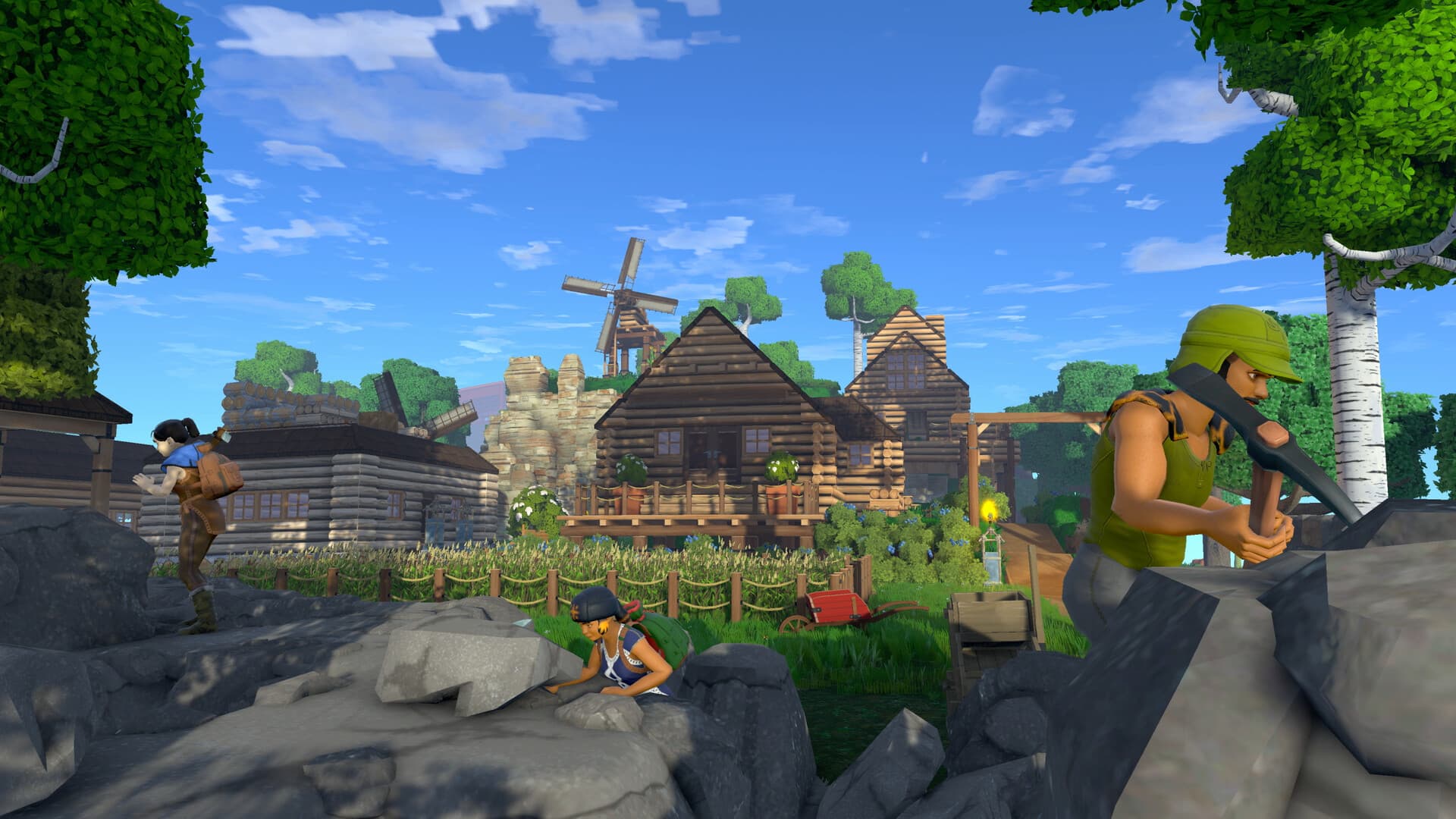
Turn an alien landscape into your group's most ambitious project. Explore for resources, connect production lines, and keep finding a better way to build.

  • Factory automation
  • Cooperative construction
  • Alien-world exploration

Server setups

Choose a setup to explore its configuration.

Satisfactory server hosting

About Satisfactory server hosting

Satisfactory, developed by Coffee Stain Studios, casts you as a FICSIT pioneer building ever larger factories in first person, linking miners, conveyor belts and trains on the way to the Space Elevator. A dedicated server keeps the factory in one shared save that every engineer in your group can join, so expansion carries on even when the friend who started the save is offline. The game is officially designed for four players, and ClanNode runs it through a single Vanilla setup.

Satisfactory server plans

PlanPlayersMemoryCPUNVMe storagePer monthOrder
PartyUp to 4 players6 GiB300%10 GiB€11.99Configure this plan
ClanUp to 8 players8 GiB400%20 GiB€15.99Configure this plan
GuildUp to 16 players12 GiB500%40 GiB€22.99Configure this plan

Every plan includes unlimited bandwidth, NVMe storage and 24/7 malware detection and protection.

Prices are per month and billed in EUR. Quarterly billing saves 10% and annual billing saves 20%. Need something in between? Build an Anvil plan with your own memory, CPU and storage.

Configure and order

Secure payment by card or Bitcoin

24 hour free trial with a card saved in your account, charged only when the trial ends unless you cancel. New here? Pay now by card at checkout, or create an account first.

Running your own Satisfactory server

Who can join your Satisfactory server

Satisfactory dedicated servers are for PC players. The official wiki says game clients from both the Epic Games Store and Steam can connect to a dedicated server, so friends who bought the game in different stores share one factory. Coffee Stain added crossplay with PlayStation 5 and Xbox Series X|S on 4 November 2026, but its announcement says the dedicated server is only available on PC and therefore not during crossplay, so console players cannot join your server. Everyone also needs the same game version: the wiki's multiplayer page tells players to check that they all run the release version or all run Experimental. To connect, each player opens the Server Manager from the main menu, adds your server with the IP address and port shown in your game panel and joins from there. The wiki warns that joining another way can end in an "Encryption token missing" error.

What you set at checkout and in game for Satisfactory

At checkout you choose one thing: the number of players, from 2 to 16 with 4 as the default, which becomes the server's player limit. The wiki's multiplayer page says up to four players are officially supported, so treat a higher limit as room for a bigger group, not a promise for a huge factory. ClanNode offers Satisfactory as a single Vanilla setup, the standard release without mods, with no Experimental choice. There is no server name, join password or admin password at checkout, because Satisfactory sets them in game. The official wiki says a new server must be claimed before it can start a game: you start Satisfactory, add the server in the Server Manager, give it a name, then set the administrator password, which limits administrator privileges. Claim it yourself right after installation, before you share the address. A player password is off by default; set one with Change Password in the Server Settings tab.

Sessions, updates and the right Satisfactory plan

Logged in as admin, you create a new game or import an existing one, and the wiki says local saves can be uploaded in the server's Manage Saves tab. The server settings include Auto-Load Session Name, the session whose latest save loads on startup, an autosave interval in minutes and an option to save when a player disconnects. The setup checks for a new server build when it starts, so restart it from the game panel after a patch to match your players. ClanNode backs the server up once a day, and you can make your own backup in the game panel before a patch. Mods you add are your responsibility under ClanNode's terms. The plan table on this page shows how many players Party, Clan and Guild are sized for. The wiki's community recommendation is at least 8 GB of memory, and 16 GB for larger saves or more than four players, so size for your factory or use Anvil to choose memory, CPU and storage. Servers run in Poland or in France, near Paris.

Before you order

Satisfactory hosting questions

How much does a Satisfactory server cost?

Plans start at €11.99 a month for Party with 6 GiB RAM, sized for up to 4 players. Clan and Guild add memory, CPU and storage, and Anvil lets you choose your own. Quarterly billing saves 10% and annual billing saves 20%.

How many players can join my Satisfactory server?

Party is sized for up to 4 players, Clan for up to 8 players and Guild for up to 16 players. For a different group size, Anvil lets you choose your own resources.

Can PlayStation 5 or Xbox players join my Satisfactory server?

No. Coffee Stain's crossplay announcement of 4 November 2026 lets Steam, Epic, PlayStation 5 and Xbox Series X|S players play together, but it says the dedicated server is only available on PC and therefore not during crossplay, and the console FAQ says dedicated servers are only supported on PC. Your ClanNode server is a dedicated server, so it is for Steam and Epic players on PC.

Can I move my existing Satisfactory save to the server?

Yes. The official wiki says an existing game can be imported from the in-game Server Manager, and that local saves can be uploaded through the Manage Saves tab of your server there. Log in with the administrator password, upload the save and load it, then set Auto-Load Session Name so the server loads that session's latest save on startup. Make a backup in the game panel first.

Can my Satisfactory server run the Experimental branch?

Not through ClanNode's checkout: Satisfactory is offered as a single Vanilla setup on the standard release. Coffee Stain's FAQ says the Experimental branch tests new features before they reach the main branch, and the official wiki tells players to use the same version, release or Experimental. Players who opted into Experimental on Steam switch back to the standard release in the game's Betas tab before joining.

Where is my Satisfactory server hosted?

In Poland or France, on AMD Ryzen 9 machines with NVMe storage and DDoS protection. You pick the location when you order. You can ask us to move your server to the other location later for €7.99. The United Kingdom and the United States are coming soon.

Are servers checked for malware?

Yes. Automated checks run around the clock on every server we host. They scan server files for known malware and watch for miners, attack tools and other abuse, and a person reviews every finding. It is an extra safety layer, not a guarantee: no scanner finds everything, so install mods and plugins only from sources you trust and keep your own backups.

Can I try Satisfactory hosting for free?

Yes. Every plan starts with a 24 hour free trial, and you pay nothing if you cancel during the trial. Each account and internet connection can start one trial every 48 hours.